
Tabbed Contents Block
The Tabbed Contents Block Gutenberg plugin is a powerful tool that allows you to create tabbed sections within your WordPress posts or pages. With this plugin, you can organize your content into multiple tabs, making it easy for your readers to navigate and access specific information.
- 800+ Active installs
- 14-day money-back guarantee

Smart Tabbed Layout
Organize large amounts of content into a clean, structured tabbed interface that improves readability and user engagement.
Powerful Customization
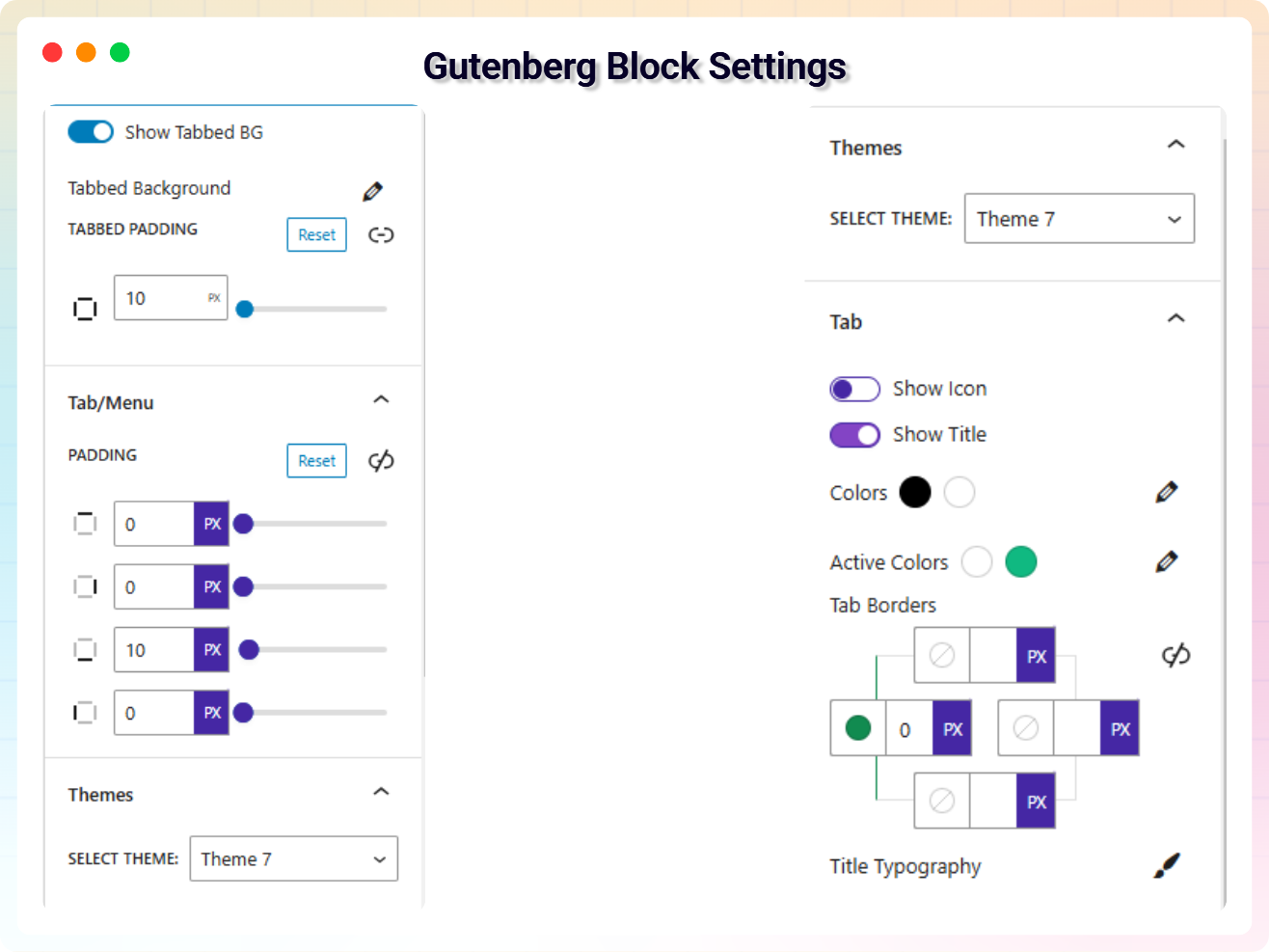
Easily customize tab styles, including colors, fonts, icons, borders, backgrounds, padding, and active tab designs to match your brand perfectly.
Fully Responsive Design
Tabs and themes automatically adapt to desktop, tablet, and mobile devices, ensuring a smooth and consistent experience on all screen sizes.
Dynamic & Advanced Features
Load content dynamically using blocks or shortcodes, highlight active tabs, apply predefined themes, and unlock premium animations and controls in Pro.
Amazing Features of Tabbed Contents Block
-
Dynamic Tab Icon
Add icon to individual tabs for enhanced visual appeal and user clarity.
-
Responsive Design
Tabs adapt seamlessly to different screen sizes and devices for a flawless experience.
-
ShortCode Powered
Use shortcodes to add your tabbed contents in your site.
-
Tabbed Content Layout
Easily organize and display content in a structured, tabbed interface.
-
Multiple Tab Designs
Choose from various tab styles and layouts to match your website’s design.
-
Fully Customizable Tabs
Personalize tab colors, fonts, sizes, and borders to align with your branding.
-
Dynamic Tab Icon
Add icon to individual tabs for enhanced visual appeal and user clarity.
-
Dynamic Content Loading
Load content dynamically via shortcodes or custom blocks.
-
Active Tab Highlighting
Automatically highlight the active tab for better user navigation.
-
Responsive Design
Tabs adapt seamlessly to different screen sizes and devices for a flawless experience.
-
Predefined Themes
Choose from a variety of professionally designed themes to style your tabs instantly.
-
Responsive Themes
All themes are fully responsive and adapt perfectly to any screen size.
-
Shortcode Support
Use shortcodes to add custom content to your tabs.
-
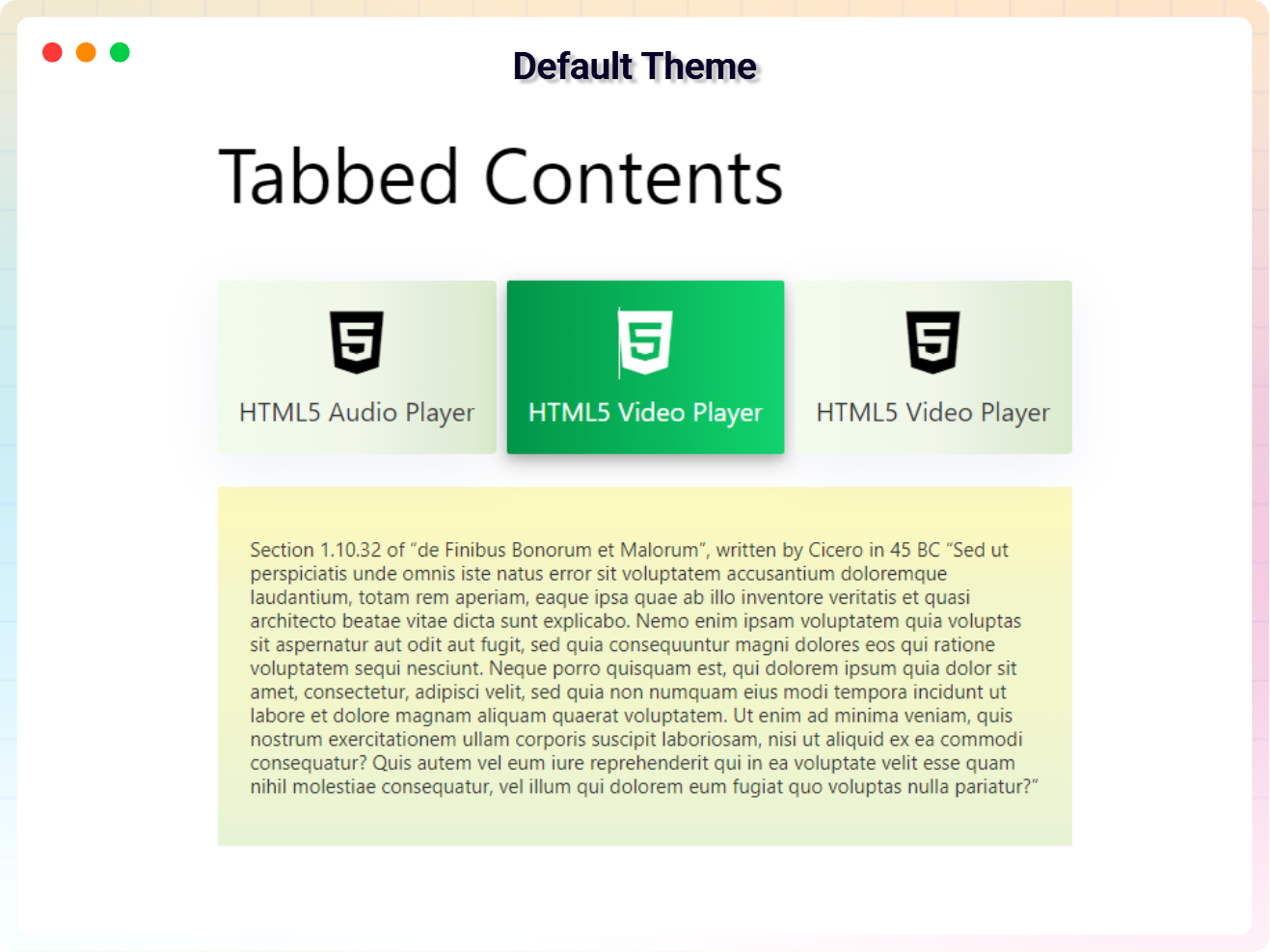
Default Theme
Apply the default theme to your website Preview live -
Theme One
Apply this theme to your website Preview live -
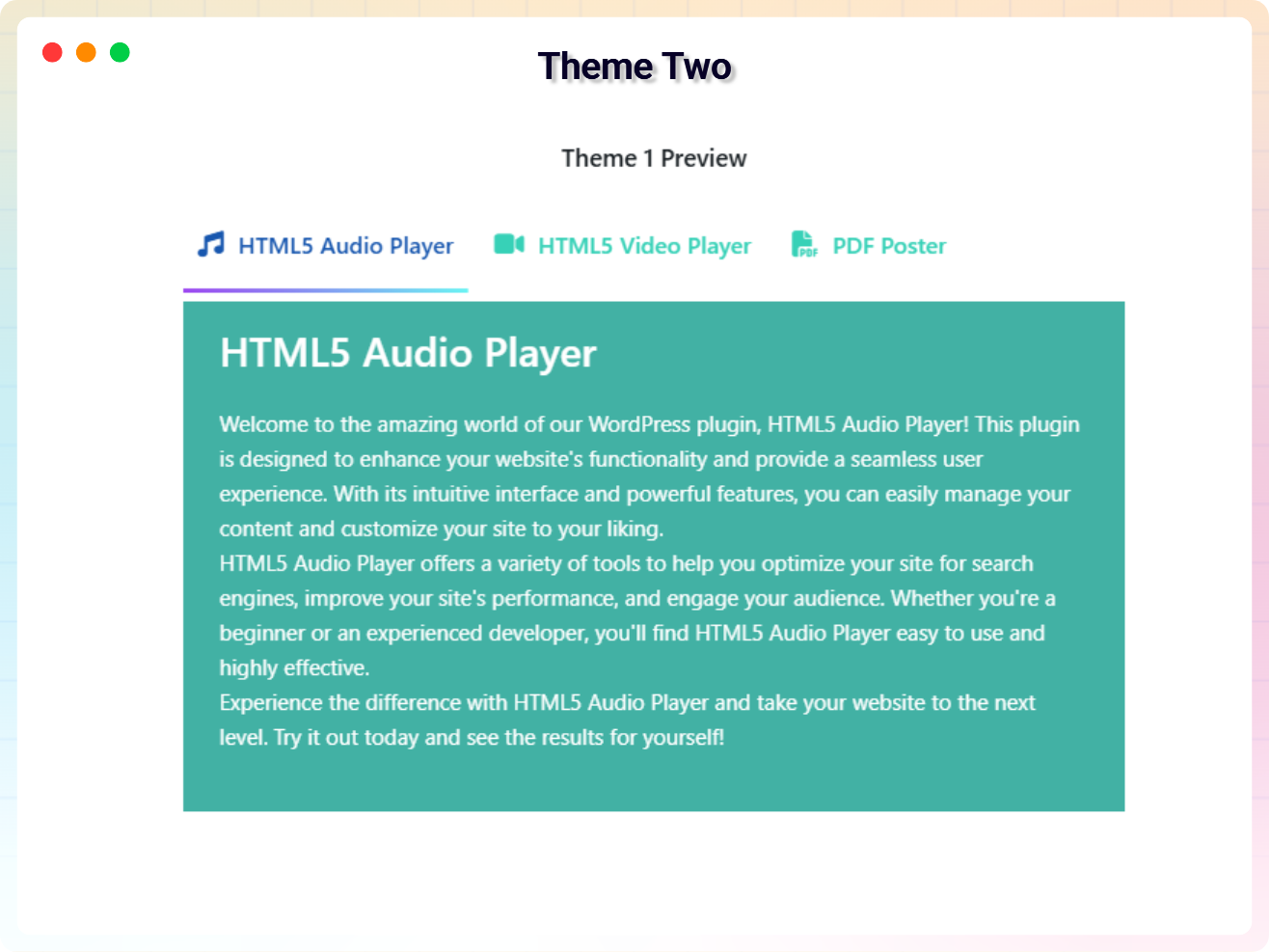
Theme Two
Apply this theme to your website Preview live -
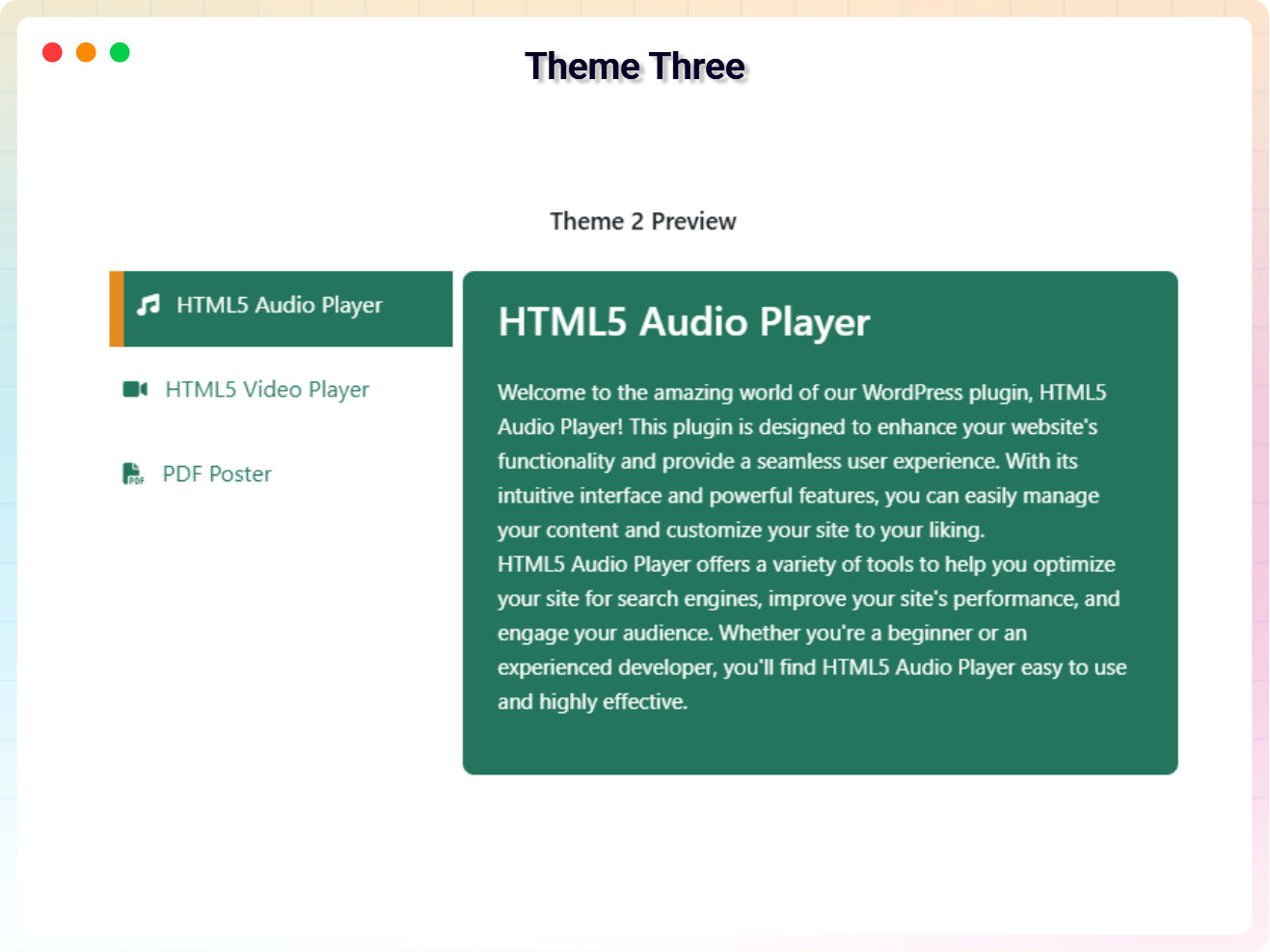
Theme Three
Apply this theme to your website Preview live -
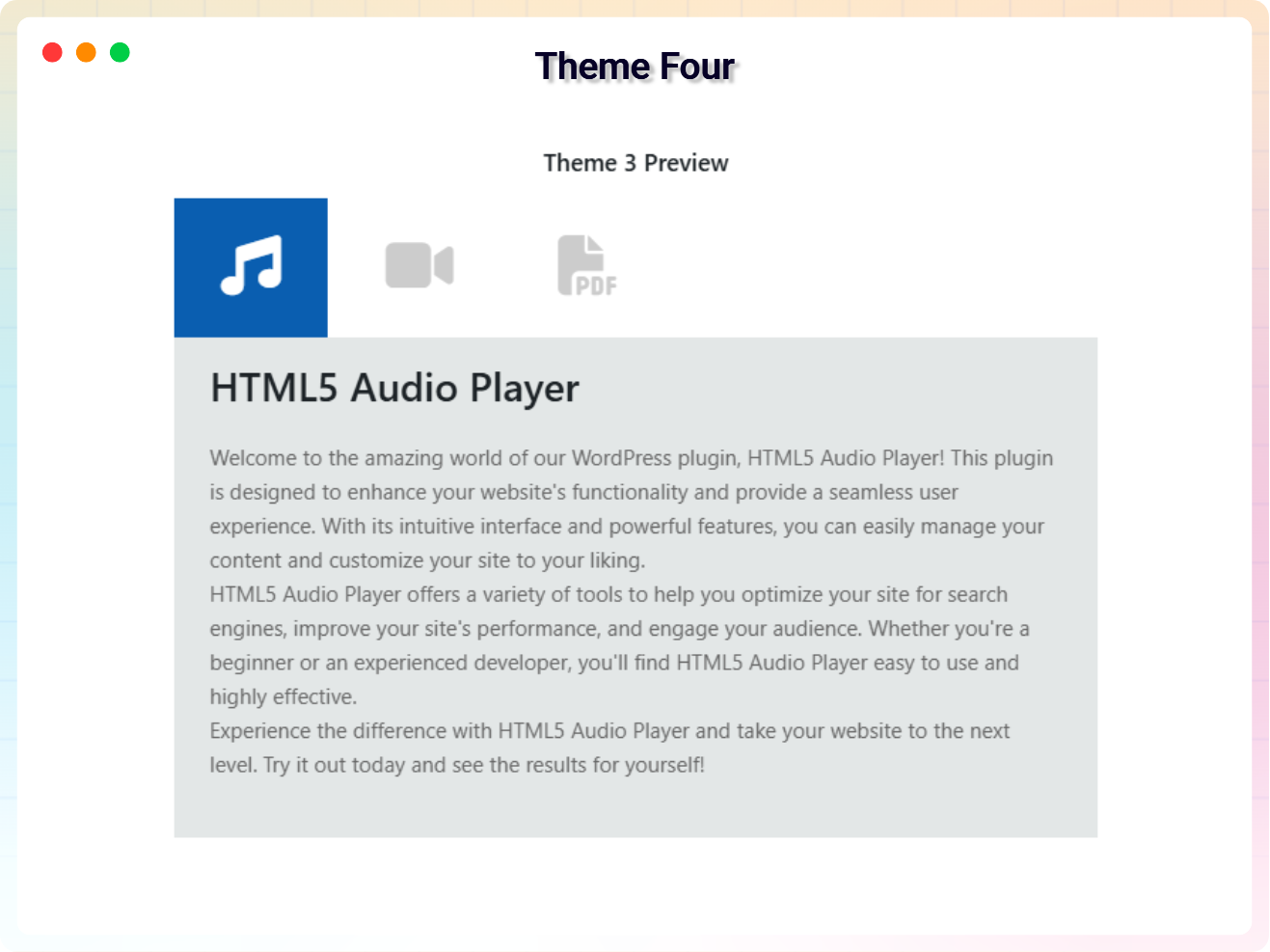
Theme Four
Apply this theme to your website Preview live -
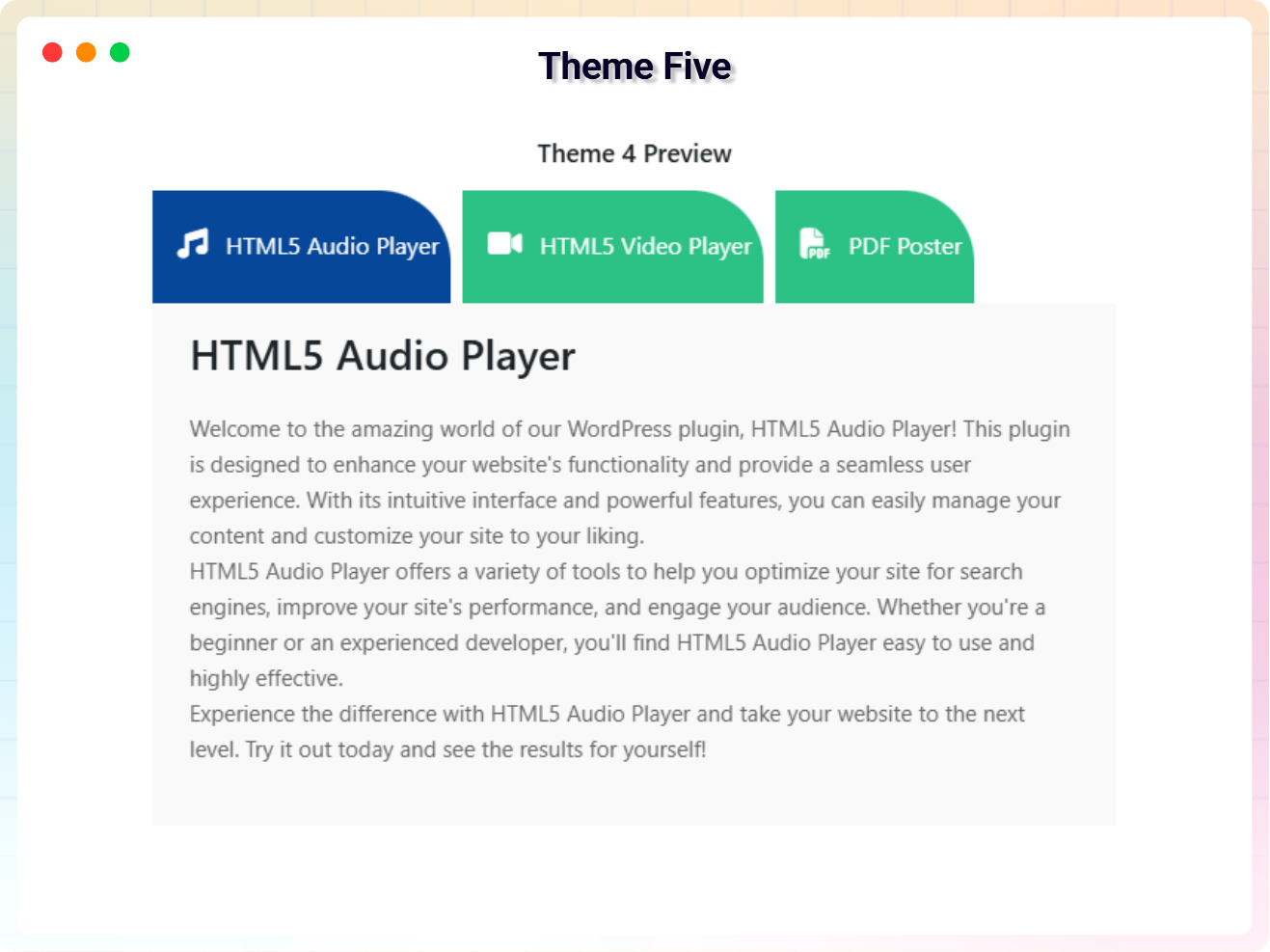
Theme Five
Apply this theme to your website Preview live -
Theme Six
Apply this theme to your website Preview live -
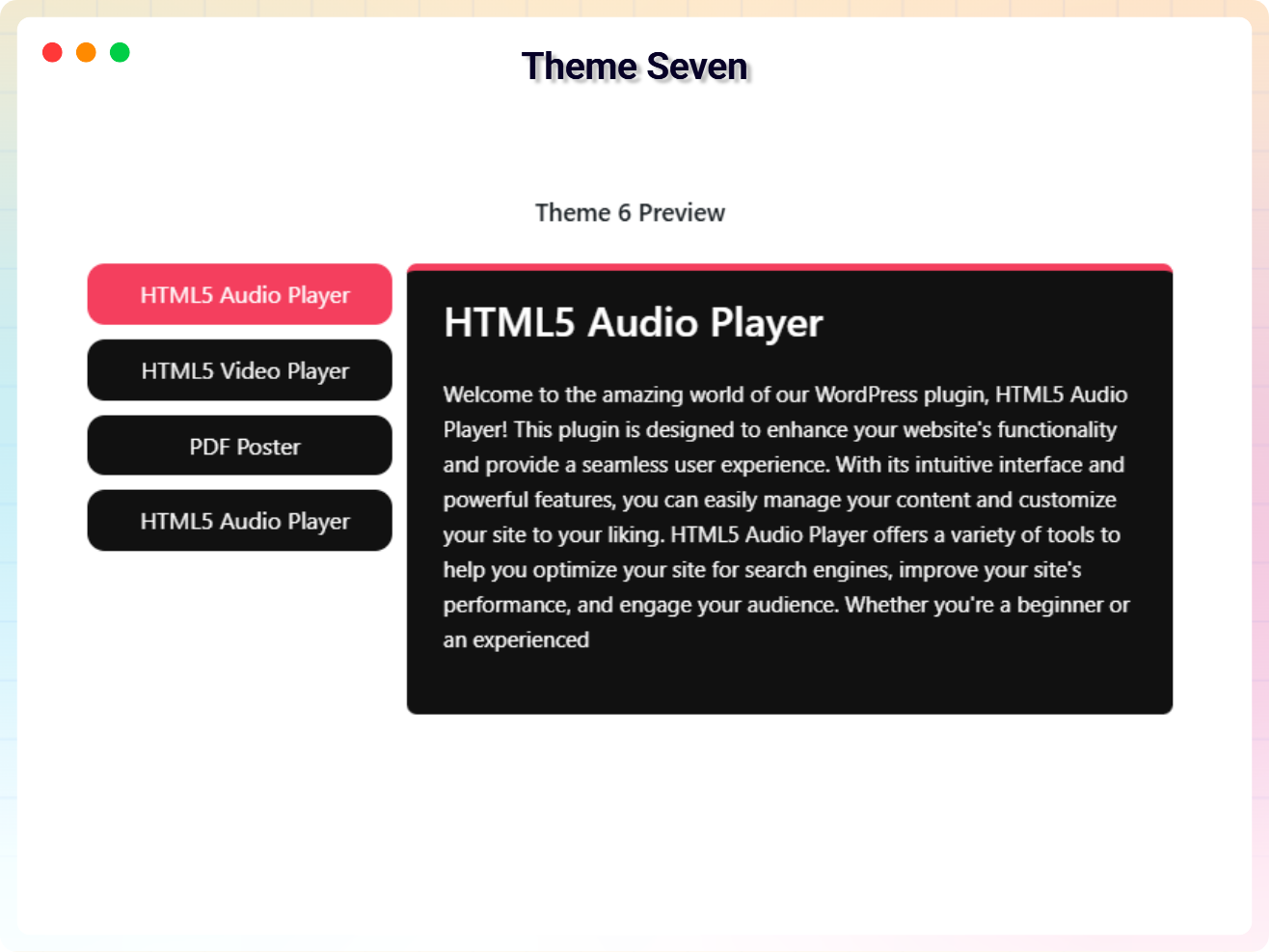
Theme Seven
Apply this theme to your website Preview live
No demos in this category.
Testimonials
What Our Customers Say to Us
5.0 rating · 1 real review from the WordPress.org community
-
WordPress.org
It fully met my expectations
This plugin is excellent for displaying tabbed content. The visual editing screen in the Gutenberg editor was easy to edit content effectively.
Abdul Hannan Read review
Screenshots
Explore the Interface, Settings & Preview Screens

FAQs
Frequently Asked Questions
Absolutely! You can add multiple instances of the Tabbed Content Block block within a single post or page. Each block can have its own set of tabs, allowing you to organize different sections of content as needed.
Yes, you can include various types of content within the tabs, such as text, images, videos, or custom HTML. This provides flexibility in presenting different types of information to your audience.
Yes, the Tabbed Content Block plugin is designed to be responsive and mobile-friendly. The tabbed sections will adapt to different screen sizes and devices, ensuring a seamless user experience across desktop, tablet, and mobile devices.
The plugin is developed to work well with the Gutenberg editor and should be compatible with most Gutenberg blocks and plugins. However, compatibility can vary depending on individual block/plugin implementations, so it’s always a good idea to test the compatibility if you have specific combinations in mind.
Visit our support portal to open a ticket -> https://bplugins.com/support/. Also, You can send an email to [email protected]
Yes, we provide plugin customization service (Paid). Please send us details via email: [email protected]
We try to respond to our customer’s questions ASAP, however, it can take up to 72 hours.
No, you don’t have to buy a new license. You can go through the previous license!
When a new version will be released, you will receive an email notification.
Get started
Ready to get more from Tabbed Contents Block?
Start with the free build of Tabbed Contents Block and see how it fits your site, then upgrade to Pro when you want the full toolkit.

 45% OFF